The first signed release is coming soon. Local-first, with no account required.
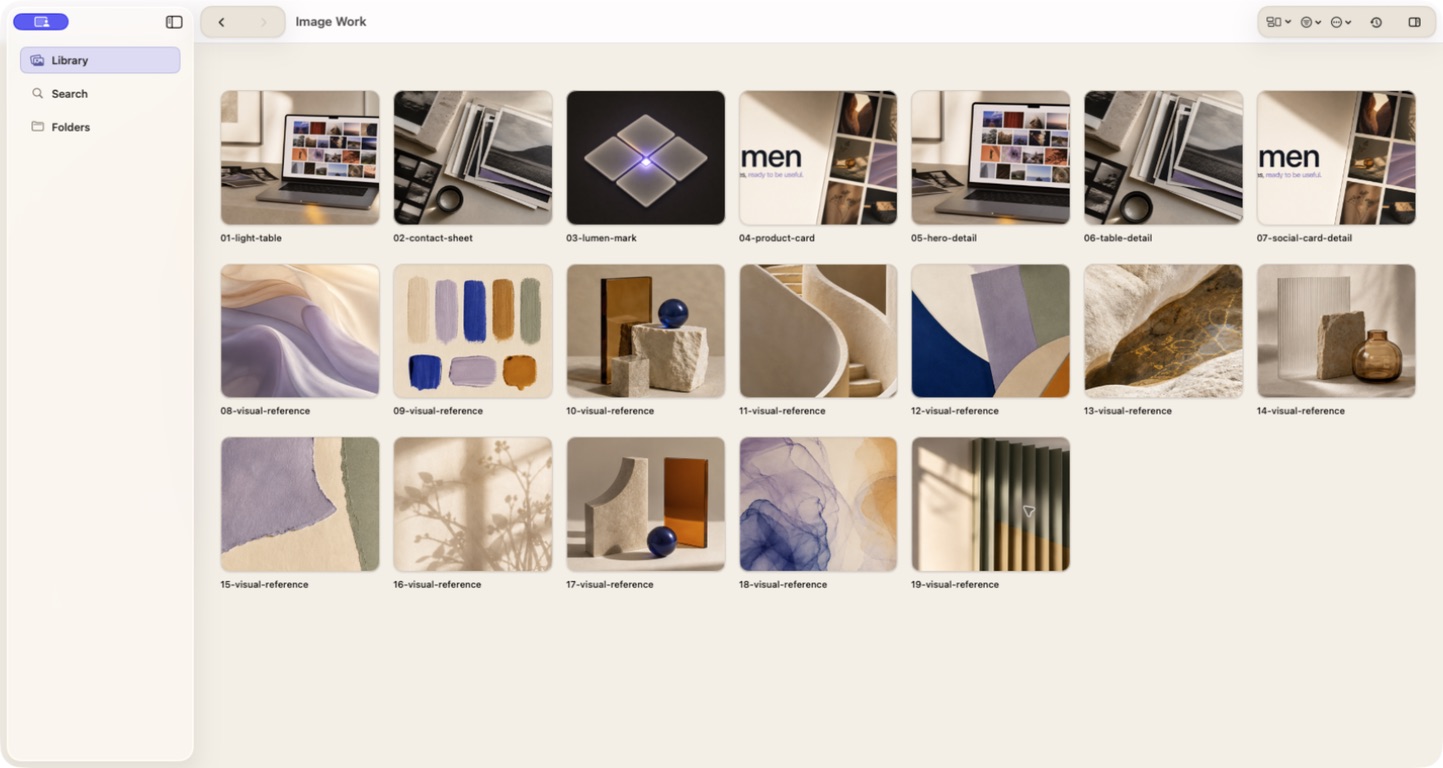
Open a real folder. Lumen turns the files inside it into a searchable, visual workspace.
ManageFolders, tags, collections, saved searches
FindNames, words inside images, colors, appearance
CurateCompare, keep, reject, review duplicates
FinishRename, resize, contact sheets, export
The problem
A folder can store thousands of files. It cannot help you choose the right one.
Visual work piles up in Downloads, project folders, generation folders, and exports. The files are still there, but filenames stop telling you what matters.
Lumen adds a clear way to browse, search, compare, and clean up without moving the files into a new system.
01 The image wall keeps the whole folder in view, so a large folder is easier to scan and narrow.
Find
Search for what is inside the image.
Search a real folder by filename, by a word inside a screenshot, or by the colors and appearance you remember. Narrow the results by folder, date, tag, collection, or saved search.
If you remember “pricing table” but not “final-7.png”, start with pricing table.
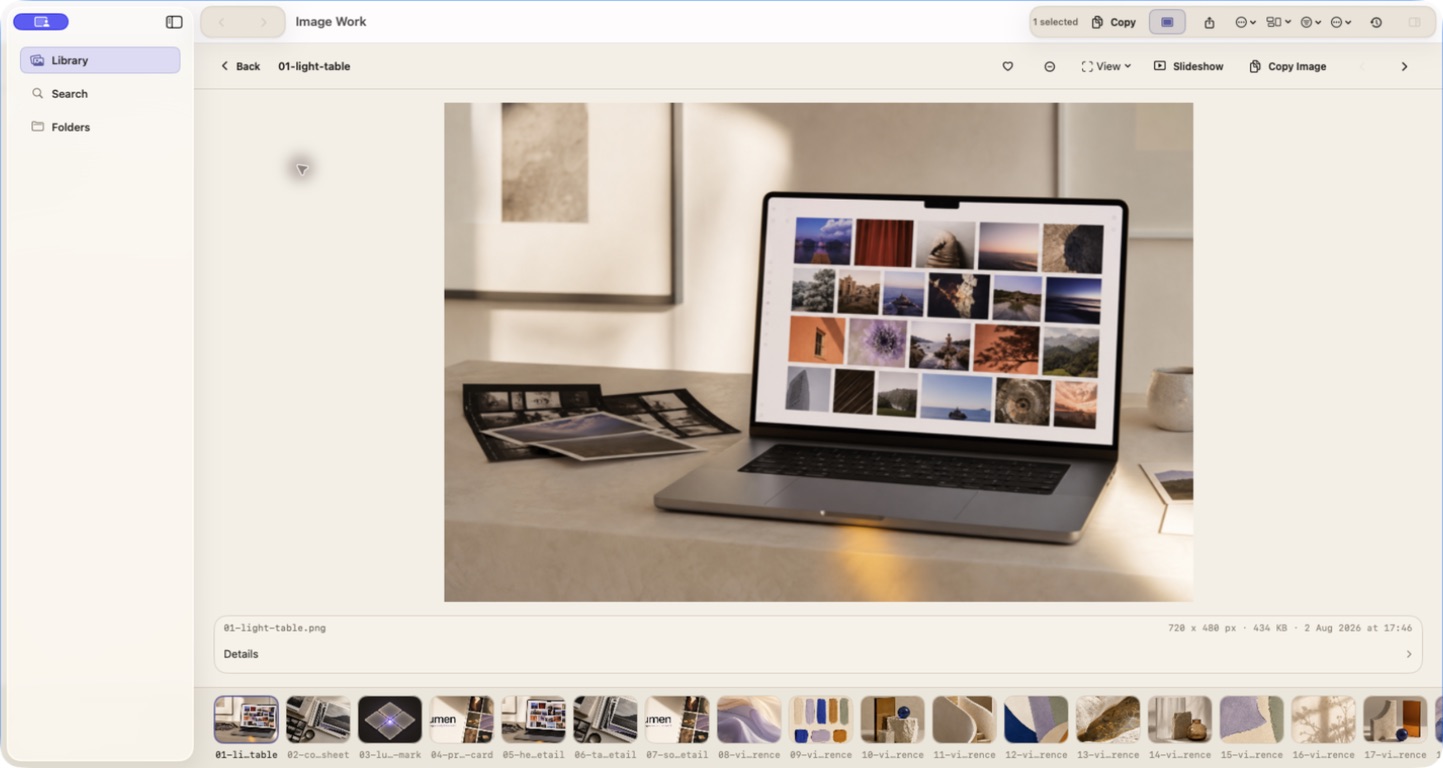
See the full set in the image wall. Open Focus for one image, Compare for variants, and Duplicate Review for repeated files. Mark favorites, rejects, tags, and collections as you go.
The decision stays attached to the set, instead of disappearing into a separate preview window.
02 Focus is for inspecting one image while the rest of the folder stays one shortcut away.
The four jobs behind a large image folder.
Lumen gives you a practical way through the pile: manage the folder, find the file, curate the keepers, and finish with copies you can use.
01
Manage the pile as it grows.
Keep a large folder usable.
Browse real folders as image walls. Add tags, notes, collections, and saved searches when they help. Lumen does not require you to build a filing system before search works.
Why it matters: You can improve the folder over time instead of organizing everything before you can use it.
02
Search for the clue you remember.
Find the file from partial memory.
Search filenames, paths, words inside images, colors, dates, tags, notes, provenance, and visual appearance. Search mode and folder scope stay visible so you know why a result appeared.
Why it matters: You can start with “pricing table” or “warm orange” instead of guessing the filename.
03
Curate the files worth keeping.
Turn a large result set into a smaller one.
Compare candidates, review duplicates, mark favorites and rejects, select a collection, and keep the result set visible while you decide. These choices do not change the source pixels.
Why it matters: You can make a clear choice without losing track of what you already reviewed.
04
Finish with files you can use.
Turn the selection into something usable.
Preview a rename, resize with Crop, Fill, or Pad, make a contact sheet, export new copies, and optionally upscale locally when the required pack is installed.
Why it matters: The result is named files, resized copies, a contact sheet, or selected images ready to use. Your originals stay in place.
For image work that keeps accumulating.
Screenshots, generations, references, photos, exports, variants, and the files you meant to come back to.
Your folders remain the source. Lumen adds a working layer.
Lumen reads the folders you choose, stores its index on your Mac, and does not upload the images. Browsing, searching, tagging, comparing, and exporting do not rewrite originals. Rename, move, and Trash are separate, explicit actions.
Real foldersLocal indexOriginals unchangedExplicit file actions